Short answer: technical SEO is the work that makes your website possible for Google to find, crawl, understand, and rank in the first place. It’s not about keywords or content — it’s about whether your site’s infrastructure lets search engines do their job. Get it wrong, and no amount of great content will save you. Get it right, and it becomes invisible — which is exactly the point.
I’ve seen businesses spend a year and a real budget on content and links while a broken canonical tag or a misconfigured robots.txt file quietly kept half their site out of Google’s index the entire time. Nobody caught it because technical SEO doesn’t announce itself. It just shows up as rankings that never quite happen, for reasons that never get explained.
Technical SEO vs. On-Page SEO vs. Off-Page SEO
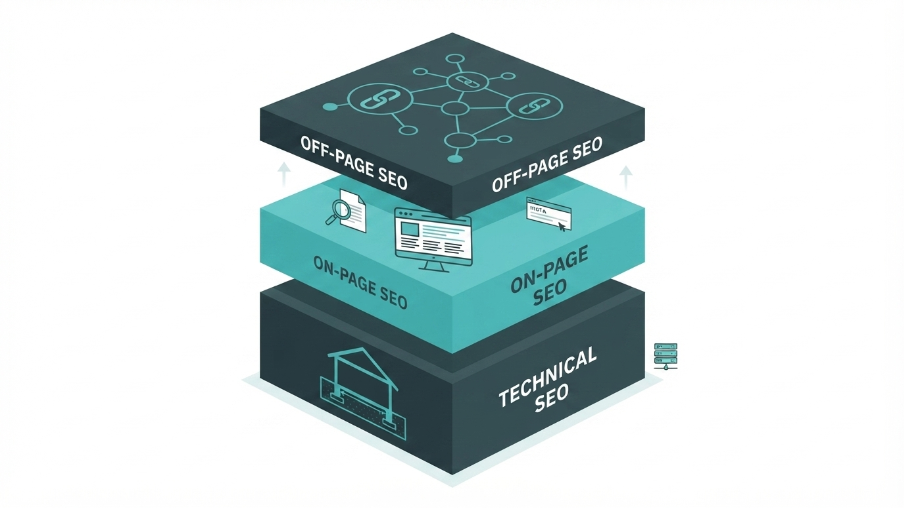
People mix these up constantly, so let’s separate them cleanly:
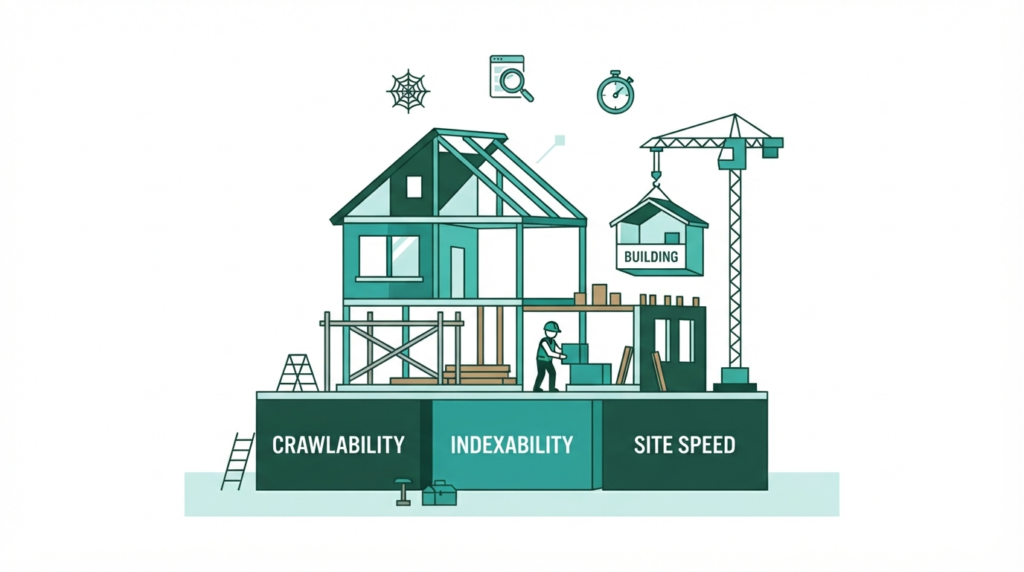
- Technical SEO — how your site is built and served: crawlability, indexability, speed, structured data, security, architecture
- On-page SEO — the content and elements on individual pages: titles, headings, keyword targeting, internal links
- Off-page SEO — signals from outside your site: backlinks, mentions, reputation
Think of technical SEO as the foundation of a house. On-page is the interior design. Off-page is the neighborhood’s reputation. You can have a beautifully decorated house, but if the foundation is cracked, nobody’s staying long — and Google notices the cracks before your visitors do.
The Core Components of Technical SEO
Crawlability
Before Google can rank a page, it has to find it. Crawlability is about whether Googlebot can actually reach your pages — through internal links, sitemaps, and a robots.txt file that isn’t accidentally blocking things it shouldn’t. A single misplaced Disallow rule has taken entire sites out of search results before. It happens more often than you’d think, usually after a site migration or a developer testing something in production by mistake.
Indexability
Being crawlable doesn’t guarantee being indexed. Google might crawl a page and still choose not to index it — because of thin content, duplicate content, a stray noindex tag left over from staging, or a canonical tag pointing somewhere it shouldn’t. This is one of the most common issues I run into on audits: a page that “should” rank, isn’t even in the index, and the site owner has no idea because nothing about the page looks broken from the front end.
Site Speed and Core Web Vitals
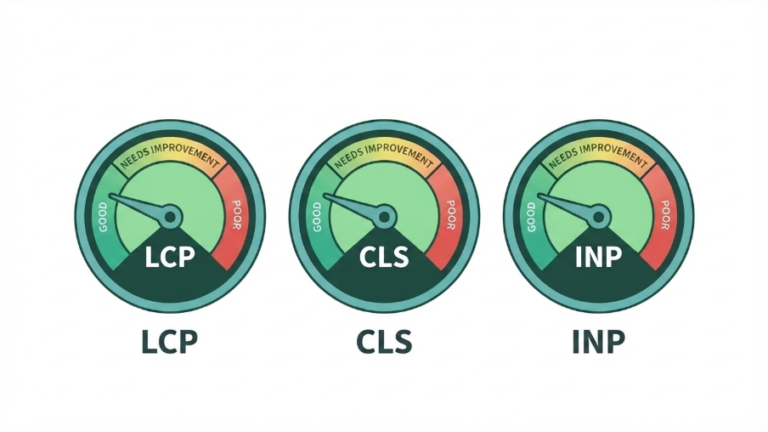
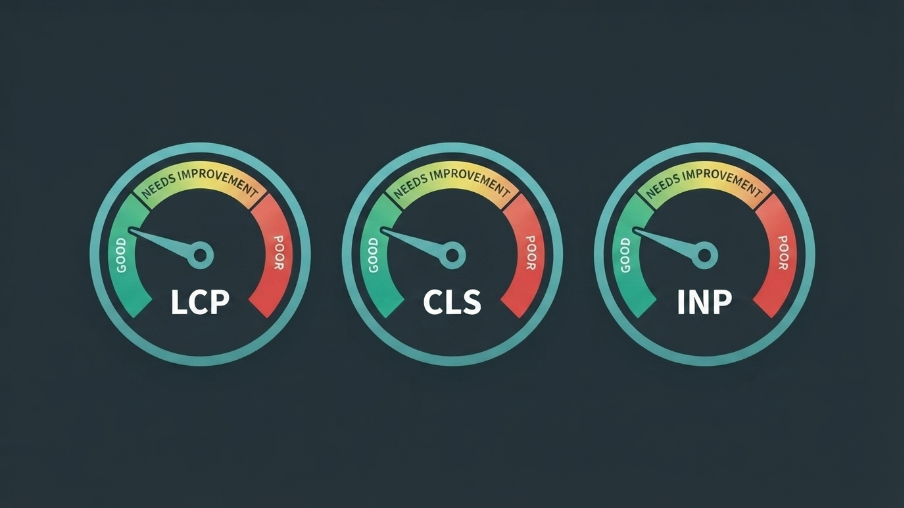
Google measures three specific performance metrics as ranking signals: Largest Contentful Paint (how fast your main content loads), Cumulative Layout Shift (how much your page jumps around while loading), and Interaction to Next Paint (how responsive your page feels when someone clicks something). These aren’t abstract — they map directly to user frustration, which is exactly why Google cares about them. A slow, jumpy page loses visitors and rankings for the same underlying reason.
Site Architecture
How your pages link to each other matters more than most site owners realize. A flat structure where every important page is reachable within 2–3 clicks from the homepage helps both users and crawlers. Deeply buried pages — the ones five or six clicks deep with no internal links pointing to them — get crawled less often and rank worse, regardless of how good the content is.
Structured Data (Schema Markup)
Schema is code that explicitly tells search engines what your content is — a review, a product, an FAQ, a local business — rather than making them infer it. It doesn’t directly boost rankings, but it makes you eligible for rich results (star ratings, FAQ dropdowns, breadcrumbs in search results) that improve click-through rate, which is its own ranking pressure. We cover this in depth in our schema markup guide.
HTTPS and Security
This one’s table stakes at this point — HTTPS has been a baseline ranking factor for years, and browsers actively flag non-HTTPS sites as “not secure” to visitors. If your site isn’t fully secured (including every image, script, and resource loading over HTTPS with no mixed-content warnings), fix that before anything else on this list.
Mobile Optimization
Google indexes the mobile version of your site first, not the desktop version, for the vast majority of sites. If your mobile experience is worse than your desktop one, you’re being evaluated on the weaker version. We go deeper on this in our mobile-first indexing guide.
How to Tell If You Have a Technical SEO Problem
A few signals that point directly at technical issues rather than content or link gaps:
- Pages that don’t show up in Google at all, even weeks after publishing
- Rankings that dropped sharply after a redesign or migration, with no other explanation
- A PageSpeed Insights score under 50 on mobile
- Search Console showing a high number of “Excluded” pages under Coverage
- Traffic that’s flat or declining despite consistent content output
If you’re seeing any of these, technical SEO is almost always the place to look first — not because content and links don’t matter, but because they can’t do their job on a broken foundation.
Where to Start: A Realistic First Step
You don’t need to fix everything in this article at once. Start with a full crawl of your site (tools like Screaming Frog or Google Search Console’s Coverage report will surface most of this), prioritize by what’s actually blocking indexing versus what’s a minor optimization, and work top-down. Our full technical SEO audit walkthrough covers exactly how we run this process for clients, step by step, if you want to do a version of it yourself.
If it feels like more than you want to take on internally — which is common, since a proper audit touches code, server configuration, and content decisions all at once — that’s exactly what our Technical SEO service exists for.
Frequently Asked Questions
What is technical SEO in simple terms?
Technical SEO is the work that makes your website possible for search engines to crawl, understand, and index — covering site speed, mobile-friendliness, structured data, and site architecture, as opposed to content or backlinks.
Is technical SEO a one-time fix?
No. New technical issues can appear after redesigns, plugin updates, or content changes, so ongoing monitoring matters as much as the initial fix.
How do I know if my site has technical SEO problems?
Warning signs include pages missing from Google’s index, a sharp ranking drop after a site change, a PageSpeed score under 50, or a high count of “Excluded” pages in Search Console’s Coverage report.