Schema markup is code added to your site that explicitly tells search engines what your content represents — a product, a review, an FAQ, a local business — instead of leaving Google to infer it. It doesn’t directly boost rankings, but it makes you eligible for rich results in search, which improves click-through rate and, over time, that’s its own competitive edge.
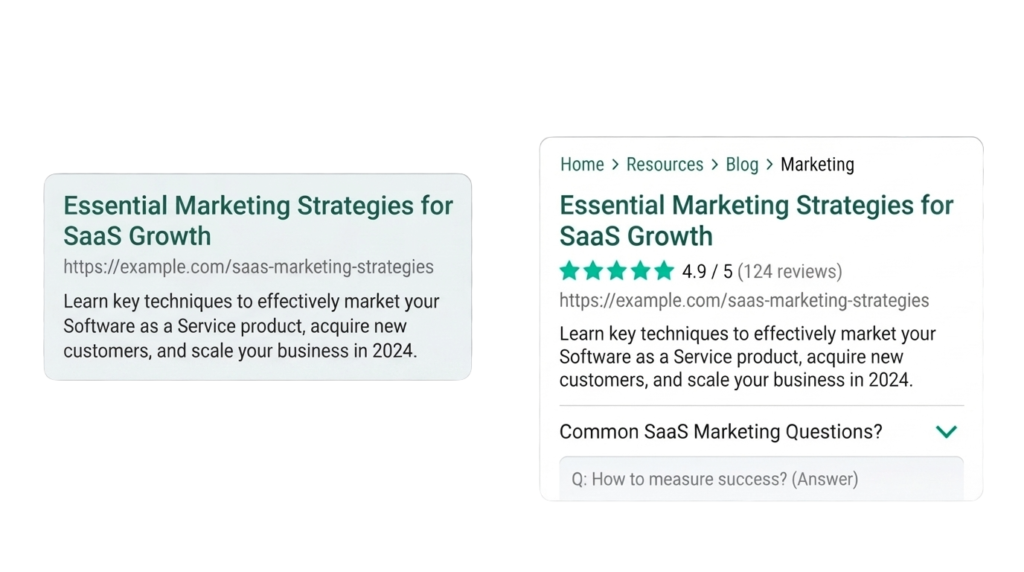
I get asked constantly whether schema is “worth the effort.” It is, but not for the reason most people think. Nobody’s site jumped from page 3 to page 1 because they added schema. What actually happens is your listing starts looking different — star ratings, FAQ dropdowns, breadcrumbs — while competitors’ listings stay plain text. That visual difference moves clicks, and clicks are a signal Google pays attention to over time.
What Schema Markup Actually Is
Schema.org is a shared vocabulary that search engines agreed to support jointly. When you mark up a page with schema, you’re using that shared vocabulary to label your content in a machine-readable way. The most common implementation format today is JSON-LD — a block of structured code, usually placed in the page’s <head>, that doesn’t change how the page looks to visitors but gives search engines explicit context.
The Schema Types That Matter Most for a Service Business
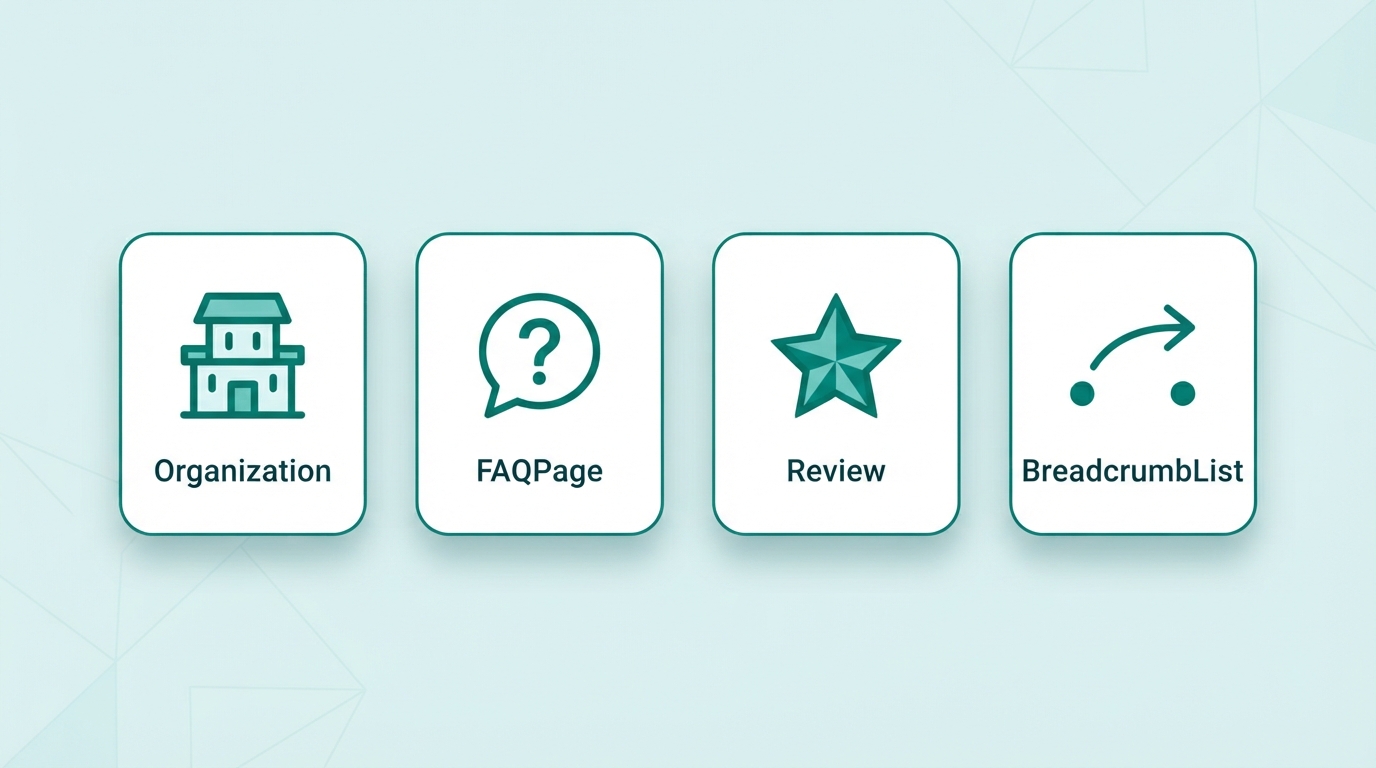
Organization / Local Business — identifies your business entity: name, logo, contact info, address, service area. This underpins your Knowledge Panel eligibility and reinforces NAP consistency signals for local SEO.
FAQ Page — wraps question-and-answer content so it’s eligible to appear as an expandable FAQ dropdown directly in search results, which takes up more visual space than a standard listing.
Review / Aggregate Rating — enables star ratings to show in search results. Important caveat: this schema type requires genuine, verifiable reviews. Fabricated review schema is against Google’s structured data guidelines and risks a manual penalty, not just a missed opportunity.
Breadcrumb List — shows your site’s page hierarchy (Home > Services > SEO) directly in the search result instead of a raw URL, which improves how trustworthy and navigable your listing looks.
Service — describes a specific service you offer, useful for individual service pages to reinforce exactly what that page is about.
How to Implement Schema Without Breaking Anything
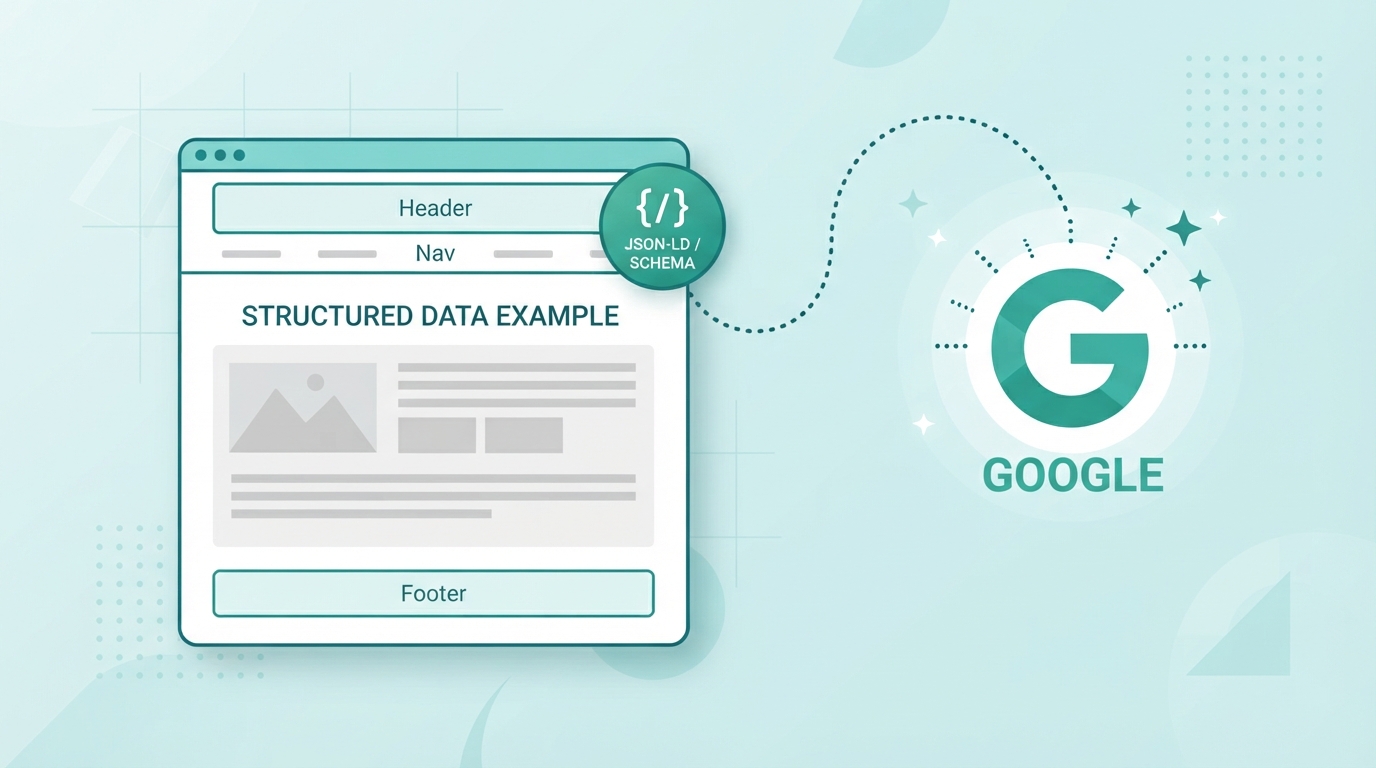
- Use Google’s Structured Data Markup Helper or write JSON-LD directly — for a WordPress site, Yoast SEO auto-generates basic Organization and Article schema, and has a Schema tab for adding FAQ blocks
- Validate before publishing — run every page through Google’s Rich Results Test, not just a generic schema validator, since it checks specifically against what Google will actually recognize
- Match the schema to the visible content — schema describing content that isn’t actually on the page (e.g., FAQ schema with questions not visibly answered anywhere) violates guidelines and can be manually actioned
- Don’t over-mark-up — stacking every schema type on every page dilutes relevance signals rather than strengthening them; use what’s genuinely applicable to that specific page
A Common Mistake: Invalid Schema That Looks Fine
The most frequent issue I see in audits isn’t missing schema — it’s schema that’s present but broken. A missing required field, a malformed JSON structure, or a duplicate schema block from a plugin conflict can cause Google to ignore the whole block silently, with no visible error to the site owner. This is why validation isn’t optional — schema you can’t confirm is working is schema that isn’t doing anything.
Structured data is one piece of a broader technical SEO audit — if you haven’t validated your existing schema recently, that’s a fast, high-value check to run.
Related Reading
- What Is Technical SEO? A Practical Guide for Business Owners
- How to Do a Technical SEO Audit, Step by Step
FAQ Schema-Ready Q&A
Q: Does schema markup improve SEO rankings directly?
A: Not directly — it’s not a confirmed direct ranking factor. Its value comes from enabling rich results (star ratings, FAQ dropdowns) that improve click-through rate.
Q: What’s the easiest schema to implement first?
A: FAQPage and Organization/LocalBusiness schema — both are straightforward to implement in Yoast SEO and provide clear visual benefits in search results.
Q: Can bad schema hurt my site?
A: Yes — schema describing content not actually present on the page, or fabricated review data, violates Google’s guidelines and can result in a manual penalty.