Short answer: when a website doesn’t rank, the cause is almost always one of three things, checked in this order: Google can’t index the page, the page doesn’t match what searchers want, or competing pages have more authority. Work through the ten checks below from top to bottom. The early ones take minutes and rule out the problems that make every other fix pointless.
Most site owners start at the wrong end. They buy links or rewrite content while a single noindex tag is keeping the page out of Google entirely. So we start with the plumbing and work up.
Step 1: Confirm Google Can Actually See the Page
1. The page isn’t indexed
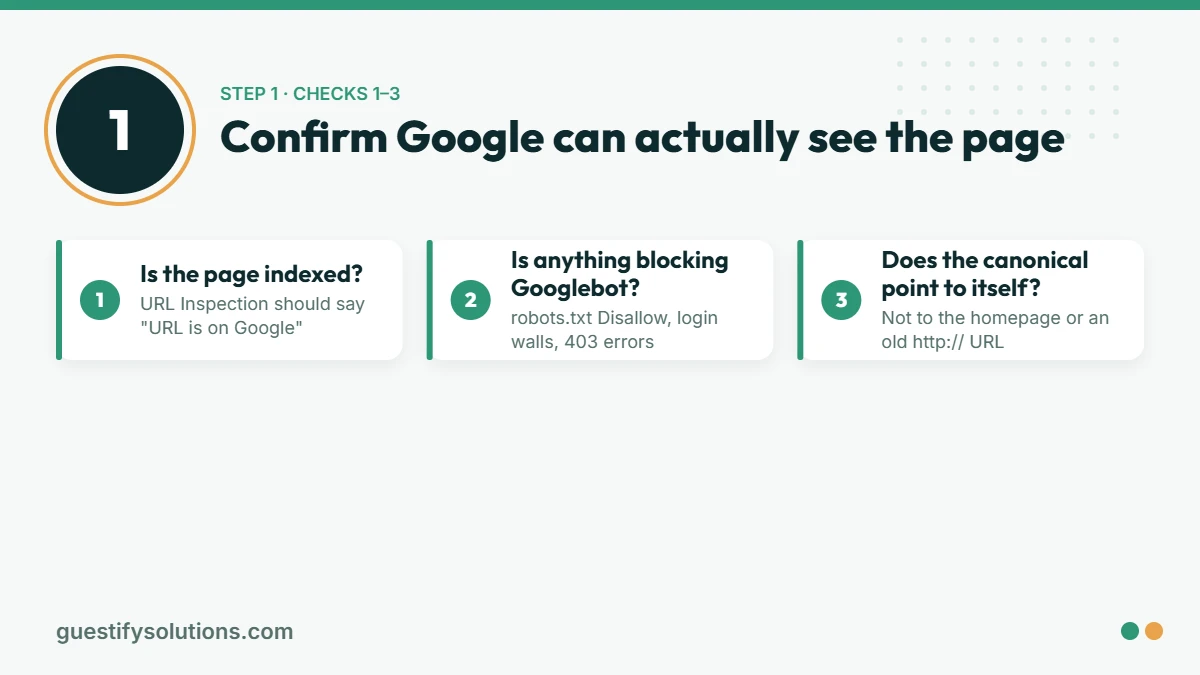
Open Google Search Console, paste the URL into the URL Inspection bar at the top, and read the status. If it says “URL is not on Google”, nothing else on this list matters yet. Look at the reason it gives:
- Excluded by ‘noindex’ tag. A setting in your CMS or SEO plugin is telling Google to skip the page. In WordPress, check Settings → Reading (“Discourage search engines”) and the page’s own SEO-plugin settings.
- Discovered – currently not indexed. Google knows the URL exists but hasn’t crawled it yet. This usually means the page has too few internal links pointing to it.
- Crawled – currently not indexed. Google read the page and chose not to include it for now. Google’s own help text says such a page may or may not be indexed later. Resubmitting an unchanged page rarely helps. Improving the page and linking to it from strong pages does.
2. Robots.txt or a login is blocking the crawler
Visit yoursite.com/robots.txt. A line reading Disallow: / under User-agent: * blocks your whole site. It’s common on sites that were copied over from a staging environment. Pages behind a login, or blocked by a firewall or security plugin that returns a 403 error to Googlebot, can’t rank either.
3. Canonical tags point somewhere else
A canonical tag tells Google which version of a page is the “real” one. If your page’s canonical points to another URL, often the homepage or an old http:// version, you are asking Google to rank that other URL instead. View the page source, search for rel="canonical", and make sure it points to the page itself.
Step 2: Check the Page Matches the Search
4. You’re targeting a keyword with the wrong intent
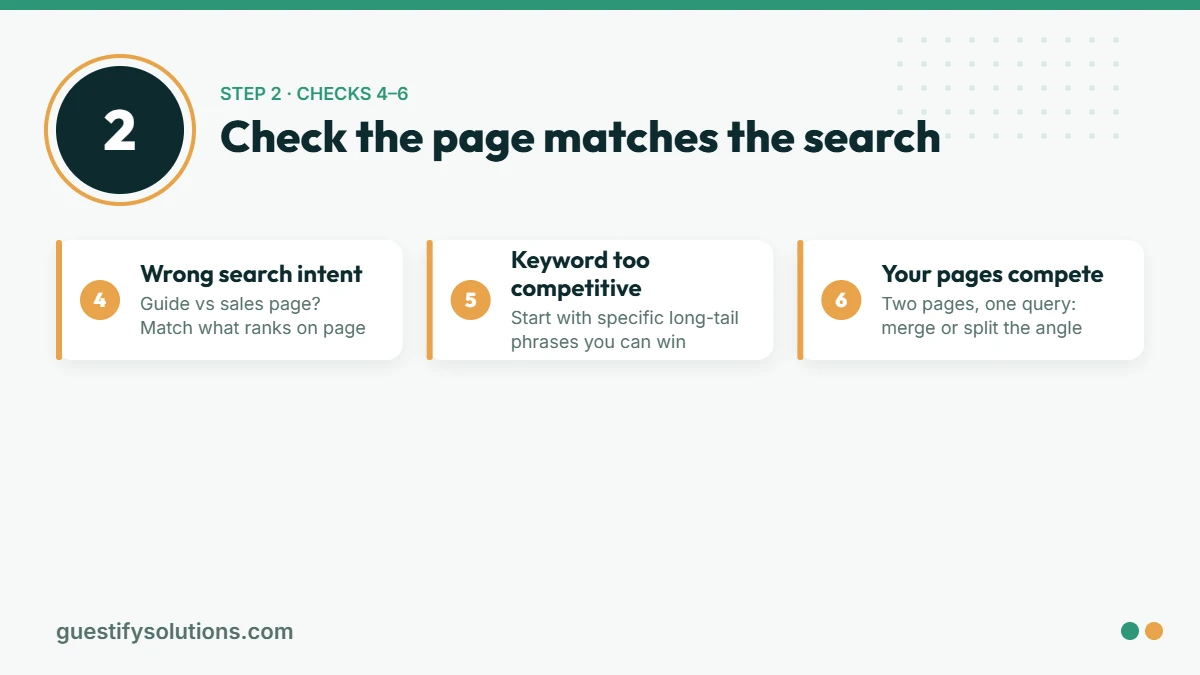
Google the phrase you want to rank for and look at what’s on page one. If it’s all how-to guides and yours is a sales page, or all product listings and yours is a blog post, you are offering the wrong type of page. Google has already shown you what it thinks searchers want. Match the format before anything else.
5. You’re targeting a keyword that’s too competitive for your site today
A new site with few links won’t outrank national brands for a broad term like “SEO services” or “personal injury lawyer” in its first year. That’s not a penalty. It’s how competition works. Target longer, more specific phrases first (“personal injury lawyer for cycling accidents in Leeds”). They have lower volume, but you can actually win them, and every win builds the authority you need for the bigger terms.
6. Several of your pages compete for the same term
If three of your pages all target “local SEO checklist”, Google has to guess which one to show, and often shows none of them well. In Search Console, open Performance, filter by the query, then click the Pages tab. If more than one URL appears for the same query, merge them into one stronger page, or make each target a clearly different angle.
Step 3: Check the Content Is Better Than What Already Ranks
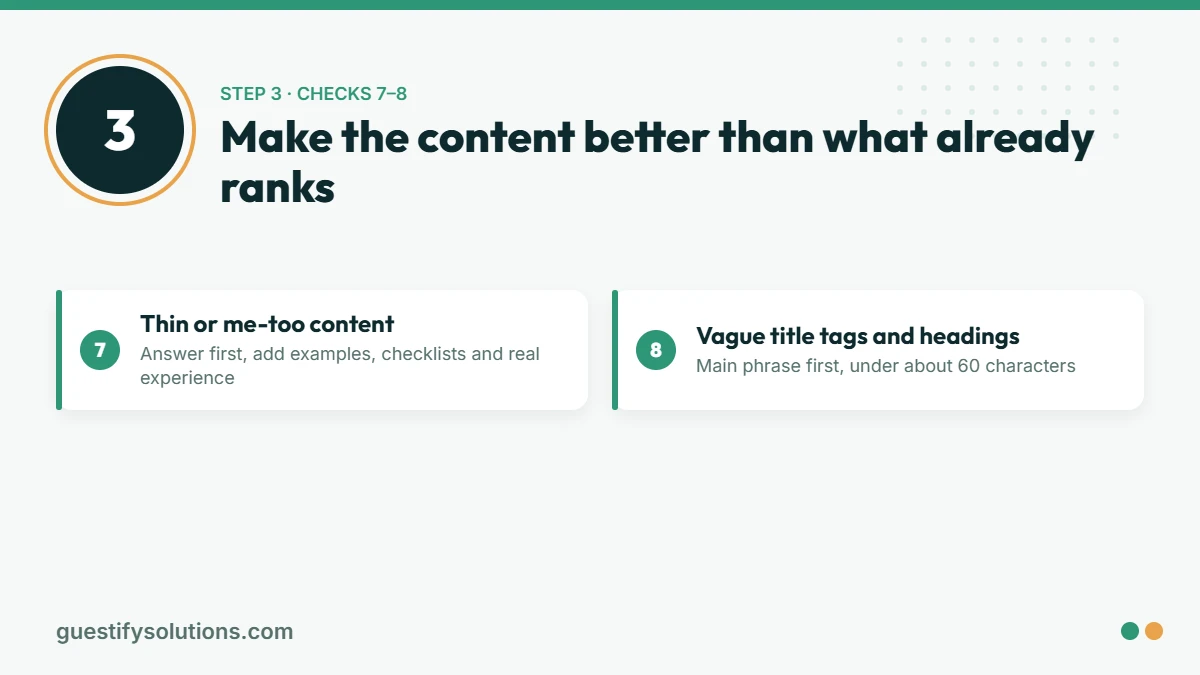
7. The page is thin or says what everyone else says
Compare your page honestly with the top three results. Does it answer the question in the first paragraph? Does it include something they don’t, such as a worked example, a checklist, original screenshots or real experience? If yours is shorter, vaguer and newer, Google has no reason to swap it in. “Crawled – currently not indexed” is often Google’s way of saying it doesn’t see enough here yet.
8. Title tags and headings don’t say what the page is about
Your title tag is the single clearest relevance signal you control. Put the main phrase near the front, keep it under about 60 characters so it isn’t cut off, and make it something a person would actually click. A title like “Services | Company Name” tells Google and the searcher almost nothing.
Step 4: Check Authority and Internal Links
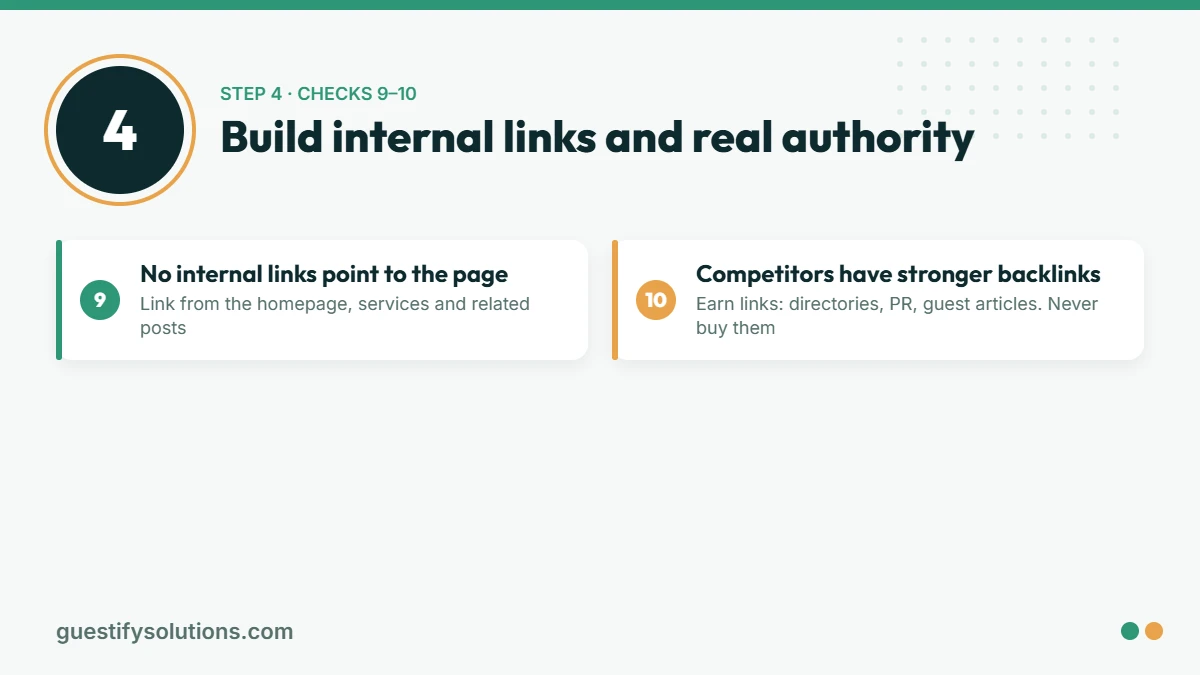
9. Nothing links to the page, not even your own site
Internal links are how Google finds pages and works out which ones you consider important. A page linked only from your sitemap is effectively an orphan. Link to it from your homepage, related service pages and relevant blog posts, using descriptive anchor text (“our technical SEO audit”, not “click here”).
10. Competitors have far stronger backlink profiles
Once the first nine are fixed, the remaining gap is usually authority: other reputable sites linking to yours. Look at the backlinks of the pages outranking you in a tool like Semrush or Ahrefs. The answer is not to buy links. Paid links and private blog networks break Google’s spam policies and can get a site demoted. Earn them instead, through industry directories that are real, local partnerships, digital PR, guest articles on relevant sites, and content other people want to cite.
Special Case: Local Businesses Not Showing in the Map Pack
If you are a local business and your problem is the map results rather than the blue links, the factors are different. Google says local results are mainly based on relevance, distance and prominence. You can’t change distance, but you can make your Google Business Profile complete and specific (relevance) and build reviews and local mentions (prominence). Our Google Business Profile guide walks through it field by field.
A Worked Example (Sample Numbers)
The figures below are an illustration, not a client result. Imagine a service page that has 1,200 impressions a month at an average position of 58 for its main keyword, and 0 clicks. That pattern tells you a lot: Google has indexed the page and considers it somewhat relevant (checks 1–3 pass), but it is on page five or six. The next steps are checks 4–10. Is page one full of guides while this is a sales page? Is another page on the site competing for the same query? Does anything internal link to it? Those three answers usually explain most of the gap.
How Long Will Fixes Take to Show?
Technical fixes such as removing a noindex tag or correcting a canonical can show up within days to a few weeks once Google recrawls the page. Content and authority improvements take longer. Google’s own guidance puts typical SEO results at four to twelve months. We cover the timeline in detail in How Long Does SEO Take?
Quick Checklist
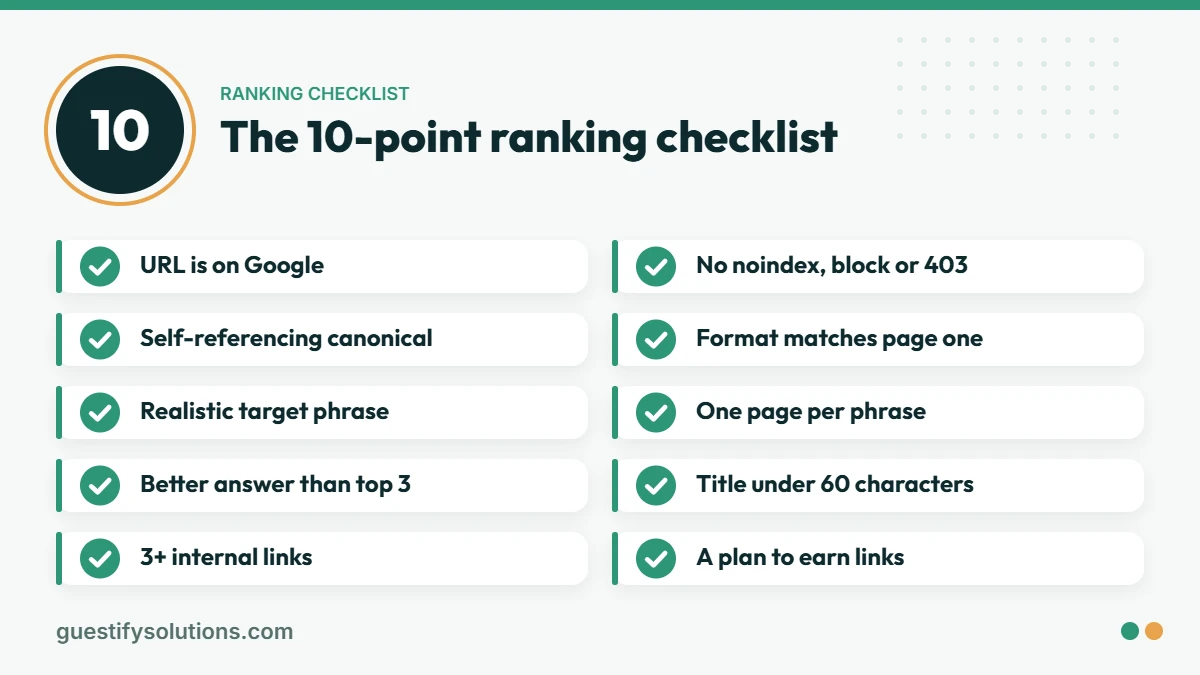
- ☐ URL Inspection says “URL is on Google”
- ☐ No
noindextag, robots.txt block or 403 error - ☐ Canonical points to the page itself
- ☐ Page format matches what’s ranking on page one
- ☐ Target phrase is realistic for your site’s current authority
- ☐ Only one page on your site targets this phrase
- ☐ Content answers the question faster and more completely than the top three results
- ☐ Title tag leads with the main phrase, under about 60 characters
- ☐ At least 3 relevant internal links point to the page
- ☐ A plan to earn (not buy) links from relevant sites
FAQ
Why is my website not showing up on Google at all?
If no pages appear even when you search your exact business name, the site is most likely not indexed. Check that “Discourage search engines” is off in WordPress, that robots.txt doesn’t block the site, and that you’ve submitted a sitemap in Google Search Console. Brand-new sites can also take a few weeks to be crawled.
Can I pay Google to rank higher organically?
No. Organic rankings can’t be bought. Google Ads places you in the paid results, which are labeled as sponsored, but it has no effect on your organic position. See SEO vs Google Ads for when each makes sense.
My site used to rank and then dropped. Is that the same problem?
Not quite. A sudden drop usually points to a technical change (a redesign, a migration, a plugin update), a Google core update, or a competitor improving. Compare the date of the drop in Search Console with your site changes and with Google’s published update dates.
Do I need an SEO agency to fix this?
Checks 1–8 can be done yourself with free tools: Google Search Console plus a careful look at the top results. An agency earns its fee on the harder parts, such as diagnosing why a crawled page isn’t indexed, untangling cannibalization across a large site, and building links safely. If you hire one, our guide How to Choose an SEO Agency lists the questions to ask.
Want Us to Run These Checks for You?
Our free audit runs this exact diagnostic on your site. We cover indexing, technical blocks, intent match, cannibalization and internal links, then tell you which issue is actually holding you back and what it would take to fix it. No obligation and no ranking guarantees, just a clear answer. Get your free SEO audit →
Related: Technical SEO services · How to do a technical SEO audit · SEO services